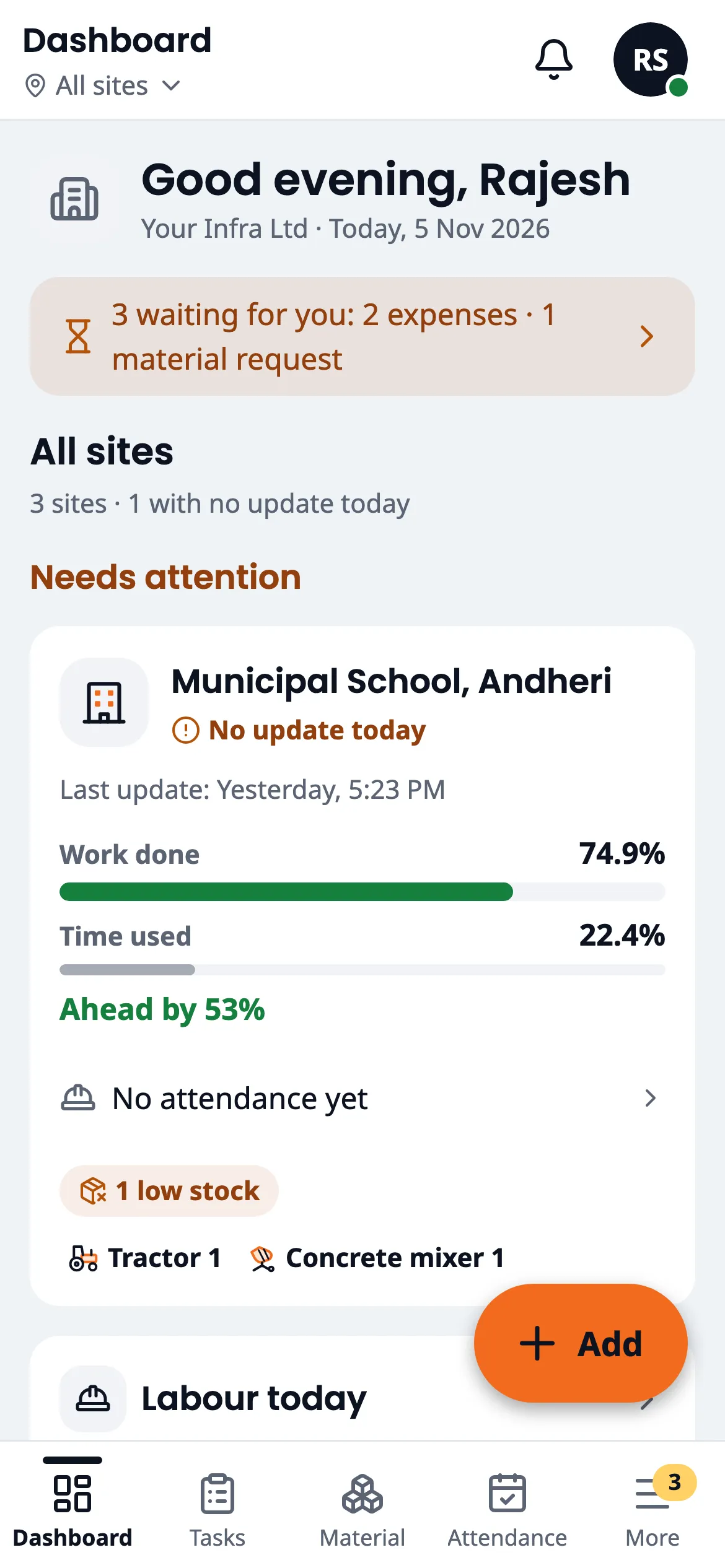
Run all your construction sites from your phone.
Your supervisors mark attendance, add expenses and record material right at the site. You see it all on your phone, with photos. It works even where there is no network.
Message us on WhatsApp, see the app on a call, and we set up your sites for you.
Works in your language.
Android and iPhone apps coming soon

Built for every kind of civil work
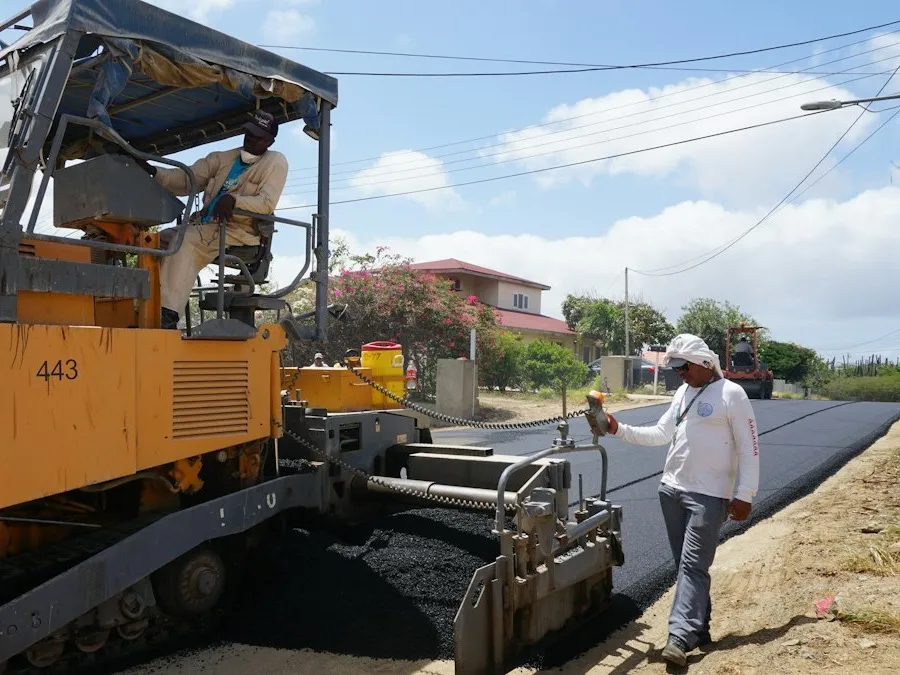
Roads and highways
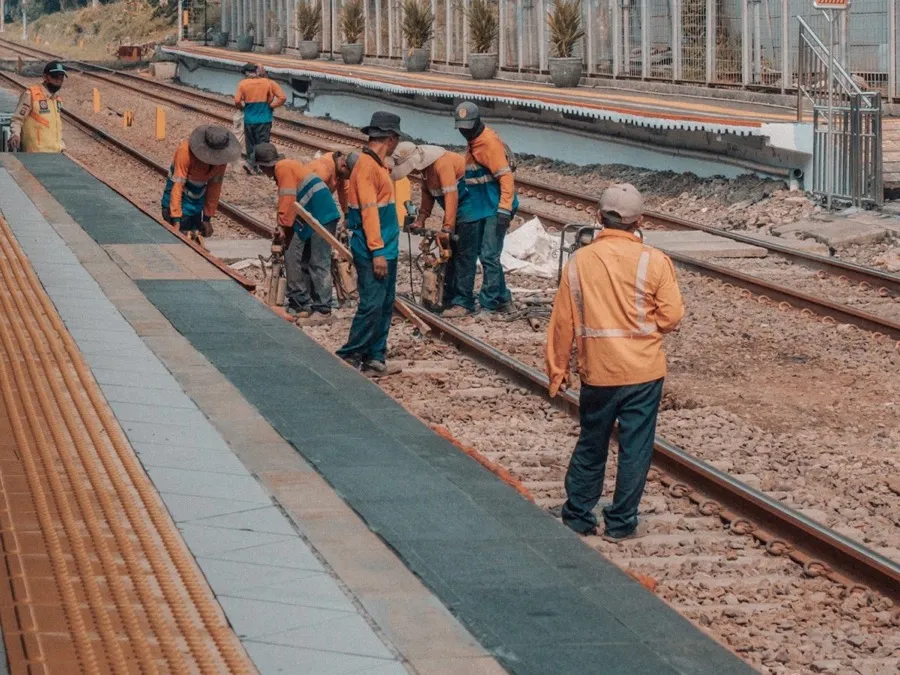
Railways
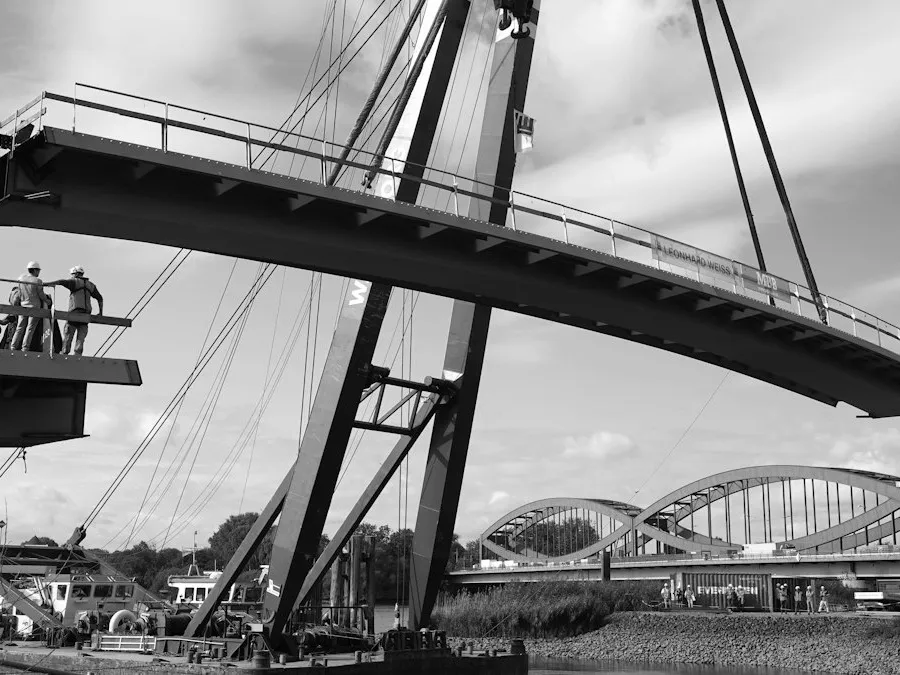
Bridges and flyovers
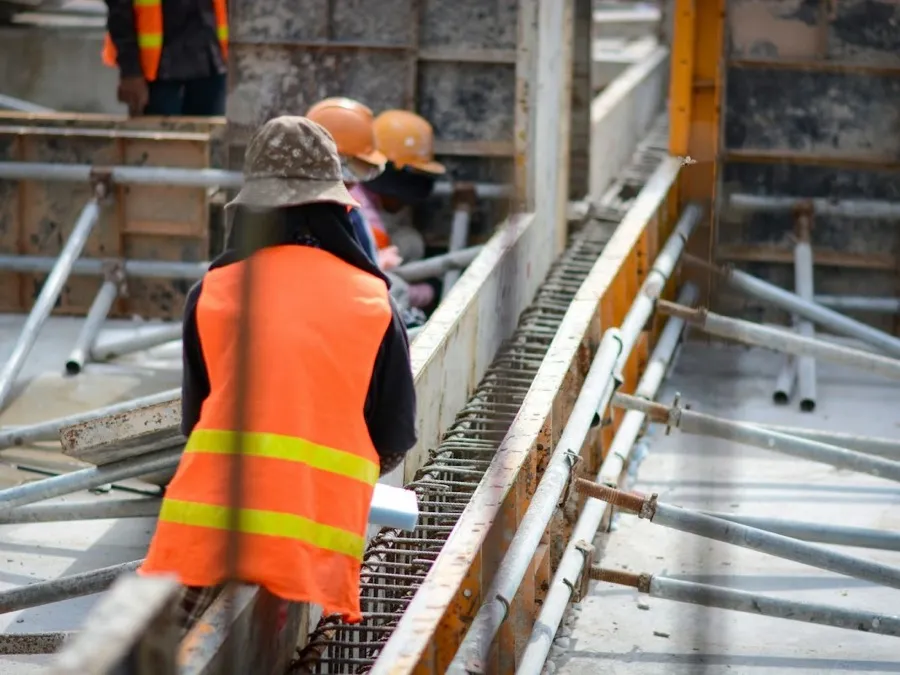
Buildings
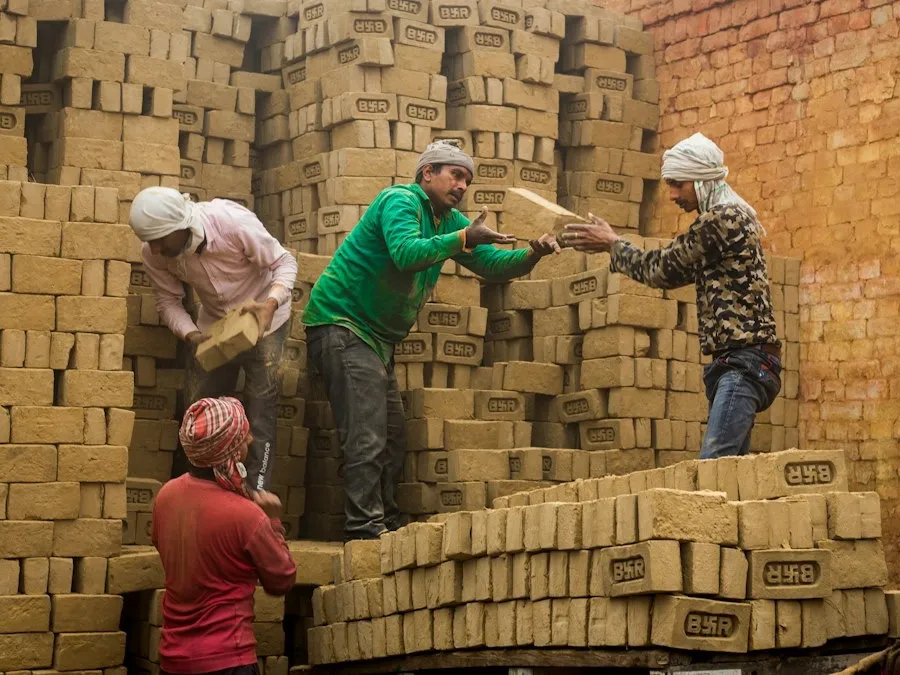
Housing projects
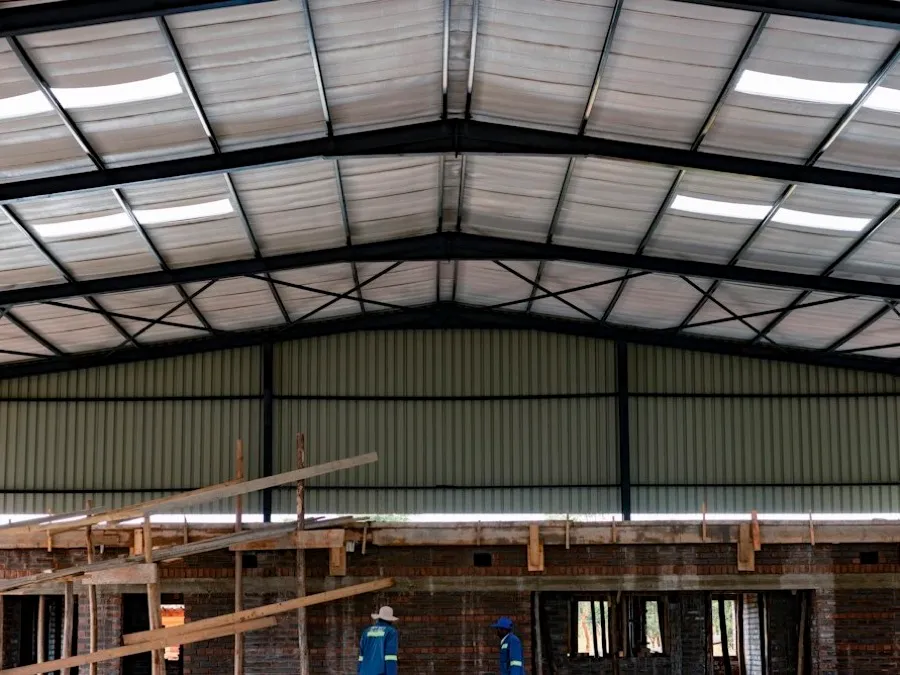
Factories and warehouses
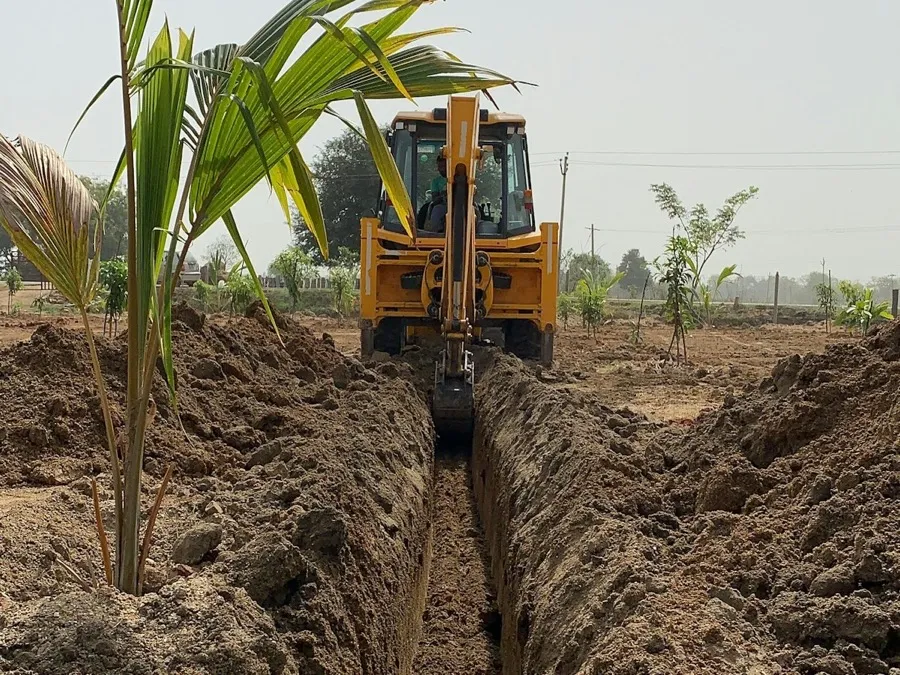
Canals and irrigation
Water supply and drainage
And any other site you run.
Sound familiar?
It's 9 at night. You have called four supervisors, some of them twice, and you still don't know how many labourers came today.
Recent calls
- Suresh YadavPanvel site9:02 PM4 min
- Manoj KumarPune road site9:09 PMNo answer
- Amit PatilProject manager9:15 PM7 min
- Manoj KumarPune road site9:21 PMNo answer
You don't know what's happening on site.Work done, labour and problems reach you late, or not at all.
With Site SupremoEvery site on your phone, with photos, as entries come in.
Attendance can't be trusted.It's written later, so you pay for labourers who never came.
With Site SupremoPhoto attendance for each labourer, stamped with time, GPS and site.
Material accounts are never clear.Cement and steel come in every week. Nobody can say how much was used, or where the rest went.
With Site SupremoA full record for every site: received, used, moved and in stock.
Every site's spending is written separately.Adding it all up takes hours, and the totals still don't match.
With Site SupremoAll spending in one place, by site and by person, added up for you.
Cash goes out, bills don't come back.Nobody can say where the ₹5,000 went.
With Site SupremoEvery expense needs a bill photo, and each person's cash balance updates on its own.
Machines get lost between sites.You need the JCB, but nobody is sure which site it is at.
With Site SupremoSee which machine is at which site, and where it was before.
Up and running in 3 steps
We set it up for you.
Your sites, team, labourers and materials, done together with you on one call.
Your team enters work at the site.
Attendance with photos, expenses with bills, material in and out. In their own language, in a few taps.
You see everything.
All your sites on one screen, with approvals, alerts and a daily report.
Daily report on WhatsApp: coming soon
Everything your sites need, in one app
Photo attendance
Mark each labourer present, half day or absent with a photo. Every photo is stamped with the date, time, GPS location and site name, and old gallery photos can't be used.
So you pay only for labourers who really came.
Take a photo of the bill, AI fills the expense
Photograph the bill. AI reads the amount, shop, date and GST and fills in the expense. Your supervisor checks it and taps Save.
Less typing for supervisors, and every expense has its bill.
SHREE SAI PETROL PUMP
NH-48, Khalapur · GSTIN 27ABCDE1234F1Z9
Diesel 40.0 L × ₹91.00
Amount₹3,640.00
incl. GST₹555.25
TOTAL₹3,640.00
05/11/2026 · 08:52 · Bill 4471
Filled from the bill photo
- Amount
- ₹3,640
- Paid to
- Shree Sai Petrol Pump
- Date
- 5 Nov 2026
- GST
- ₹555
- Category
- Diesel / fuel
Check and save
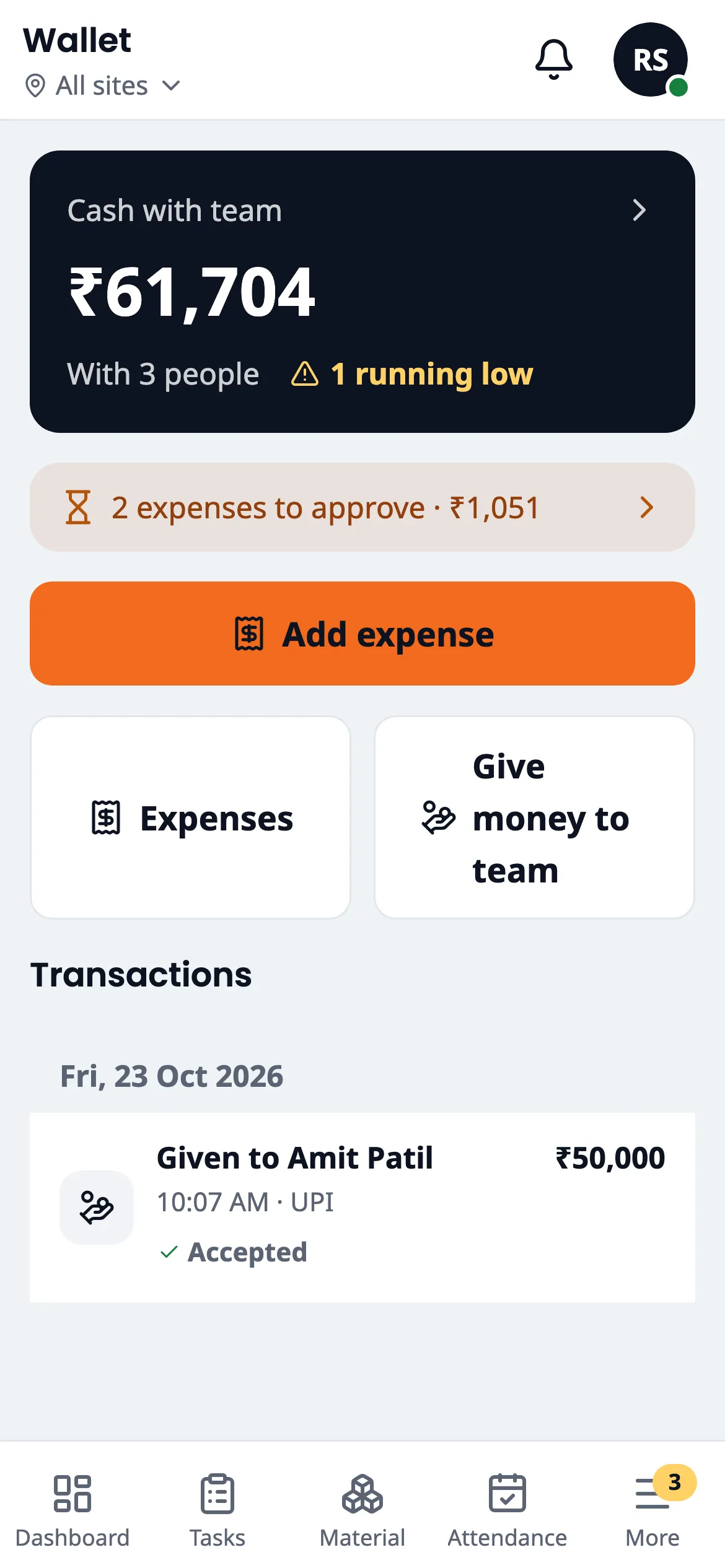
Petty cash wallet
Give cash to a supervisor in the app. Every expense needs a bill photo, and the balance updates on its own.
You always know who holds how much of your money, and where it went.
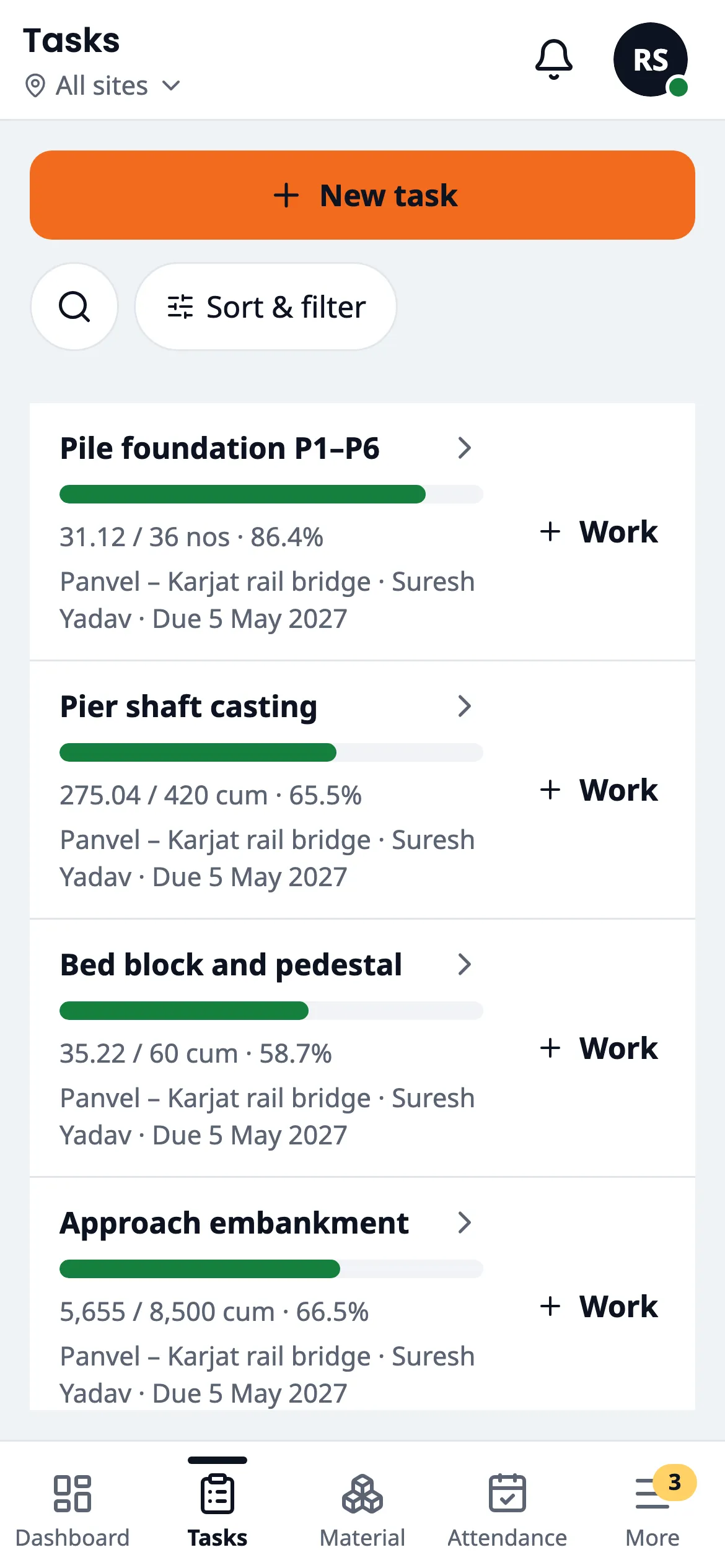
Work progress
Set work by quantity, like "Brickwork, 120 cum". Each day the supervisor adds the quantity done and a photo, and the app works out the % complete.
Real progress, not guesses.
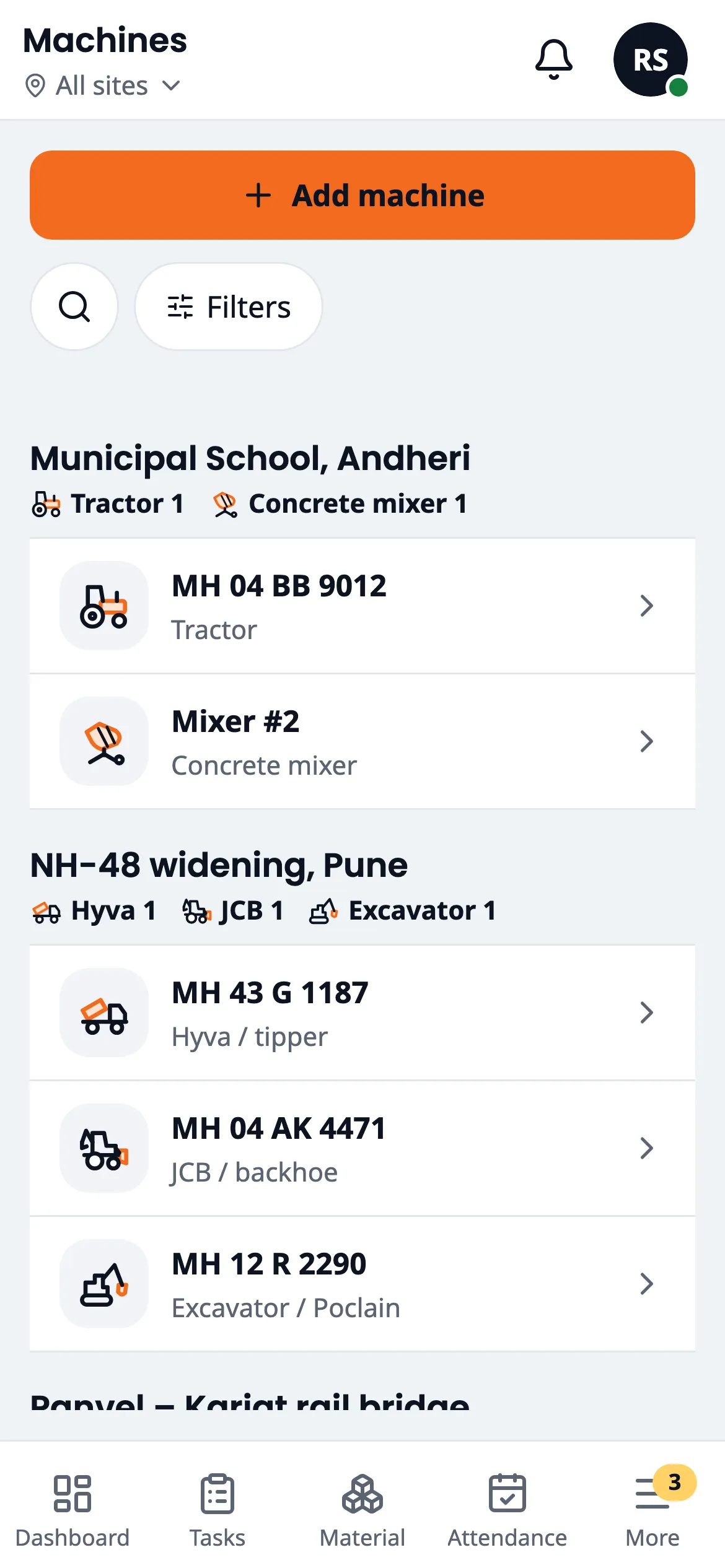
Machines and vehicles
See which JCB, tractor, mixer or tipper is at which site, and where it was before.
Find any machine in seconds. Many site apps don't have this.
And the rest of the day's work
Wages and payments
Daily wage, half days, overtime and advances add up on their own. Share the pay sheet as a PDF.
No more month-end nights with a calculator and the register.
Material and stock
Record local purchases with the bill or challan photo, daily use, and transfers between sites. Get an alert when stock runs low.
No running out halfway through a slab, and you can see where material went.
Issues
Raise a problem with a photo, give it to someone, and follow it until it's fixed.
Problems don't get lost in phone calls.
Site feed
Everything from all your sites in one timeline, with photos.
See your sites without driving to them.
Reports
Daily progress report, attendance register, wage sheet, stock register and expenses. Download any of them as PDF or Excel.
Ready for your accountant, your client or the department.
Ask AIComing soon
Ask in your own words: "How much did we spend at the Pune site today?" or "Who was absent this week?"
Get answers without opening a single report.
Made for how your sites really work
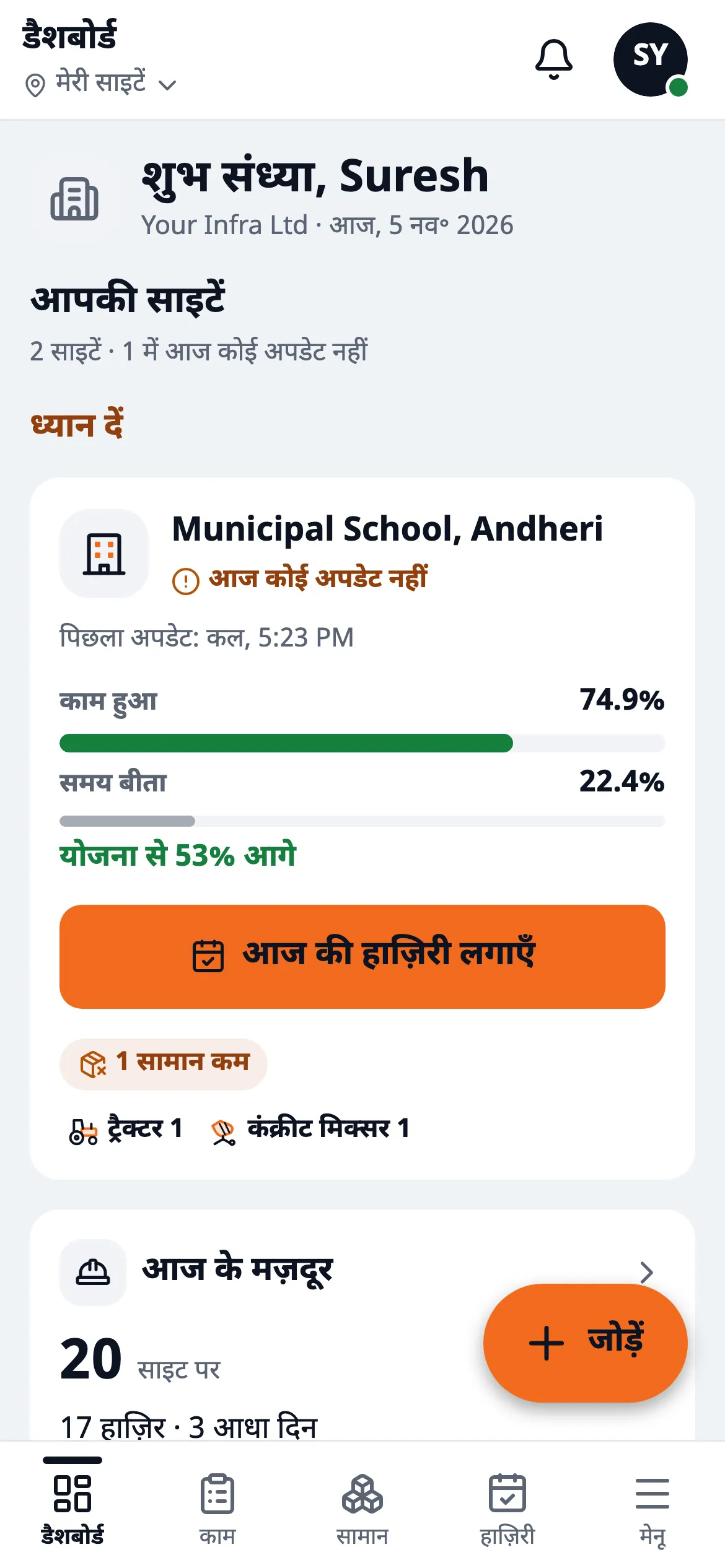
-
Works without network.
The phone app saves every entry and photo, then sends them when the signal comes back. Nothing gets lost.
-
Works in your language.
The app is multilingual, so each supervisor uses it in the language they read best.
-
Easy for every supervisor.
Big buttons, pictures and few fields. Made for a ₹15,000 Android phone.
-
On your phone and your computer.
Supervisors use the phone app. You and your office can also work on a laptop.
-
Nobody can quietly change old entries.
Every change is saved with who made it and when.
-
Everyone sees only their own sites.
A supervisor sees their site. You see all of them.
-
Your data stays yours.
Download everything to Excel any time.
One app for everyone on your team
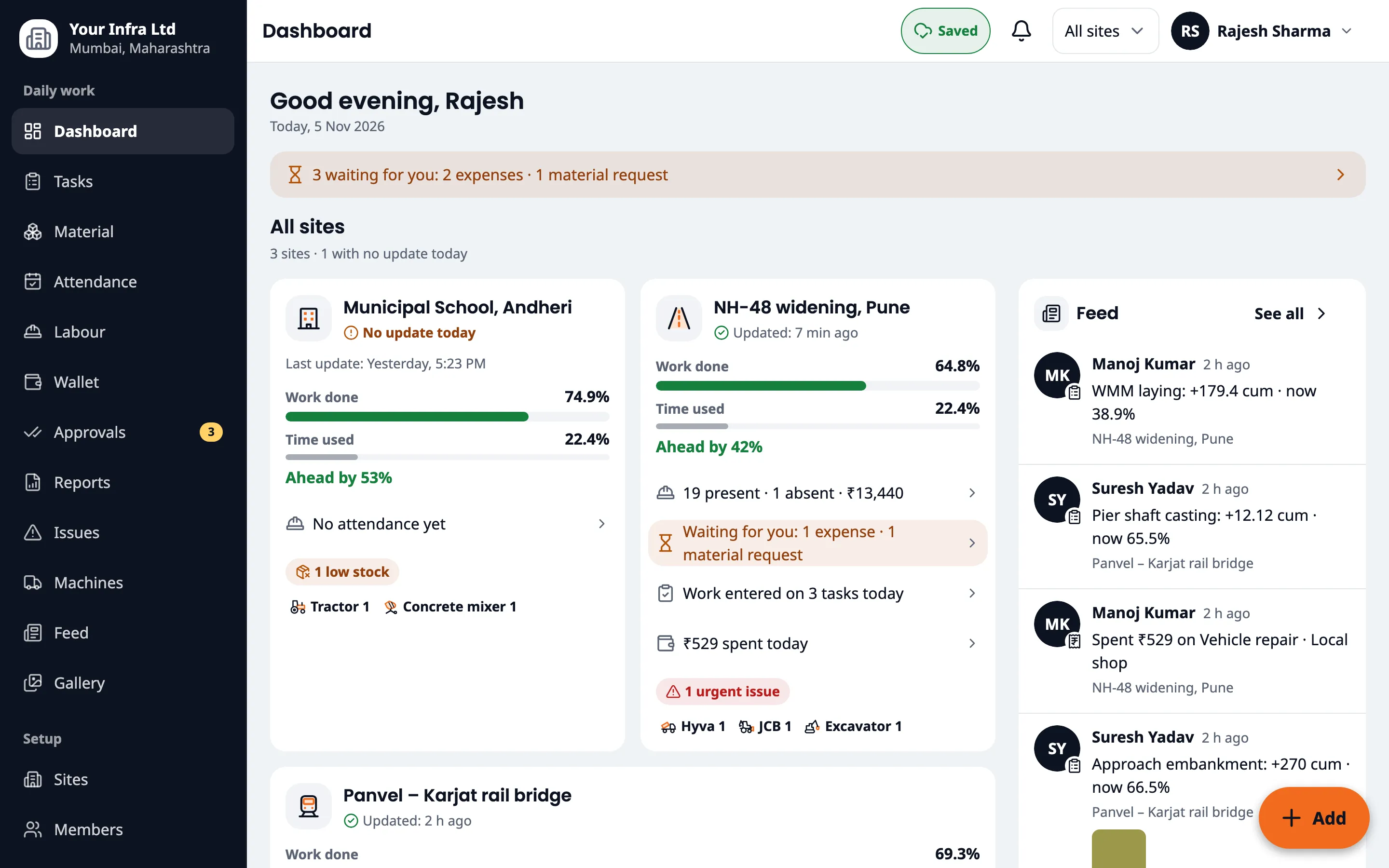
Owner
All your sites on one screen. Approve expenses and requests. Get alerts for low cash, low stock and urgent issues.
Supervisor
Attendance, expenses, material and progress in a few taps, in their own language, even with no network.
Office
Give cash to the team, check bills, and make wage sheets and reports on the computer.
Simple yearly price per site
Launch price for early customers, lower than other site apps. Tell us how many sites you have and we'll send your exact price on WhatsApp.
Do my labourers need a phone?
No. Only supervisors and office staff use the app. Labourers just have their photo taken.
Does it work without internet?
Yes, the phone app does. Entries are saved on the phone and sent when the network comes back. The computer version needs internet.
Which languages does it support?
It's multilingual. Your team can use it in their own language.
Which phones does it work on?
Android and iPhone apps are coming soon to the Play Store and App Store. You and your office can use it on a computer today.
How do we get started?
Book a free demo on WhatsApp. We set up your company with you on a call, then add your team.
Can supervisors fake attendance?
Photos must be taken inside the app, and each one is stamped with the time, GPS location and site name. Old gallery photos are blocked.
Is my data safe?
Each person sees only the sites they work on. Every change is saved with who made it. You can download all your data any time.
How much does it cost?
Starts at ₹7,500 per site per year, at a launch price for early customers. Ask us on WhatsApp for your exact price.
See all your sites from your phone.
Book a free demo. We'll show you the app and set it up for your sites.
Book a free demo on WhatsApp